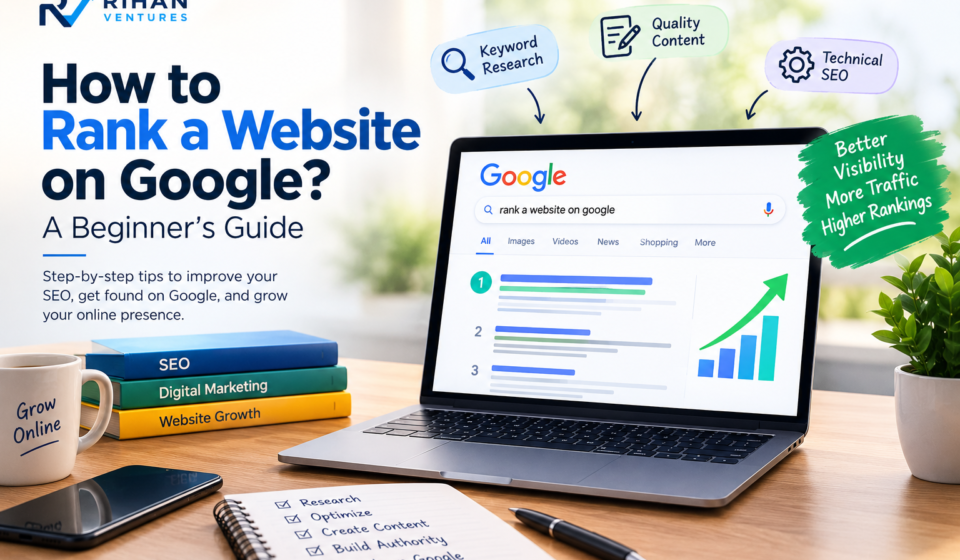

Do you want to increase your website traffic and attract more visitors without spending money on advertisements? If yes, learning how to rank a website on Google is one of the most important skills in digital marketing. Google is one of the most popular search engines in the world, and millions of people use it every day to find information, products, and services.
When someone searches for something related to your website, you want your content to appear on the first page of Google. A higher position can help you attract more visitors, generate leads, and grow your online business.
However, getting a website to rank on Google requires proper SEO strategies, quality content, keyword research, and website optimization. In this beginner’s guide, we will explain the essential steps that can help you improve your website’s visibility and achieve better search engine rankings.
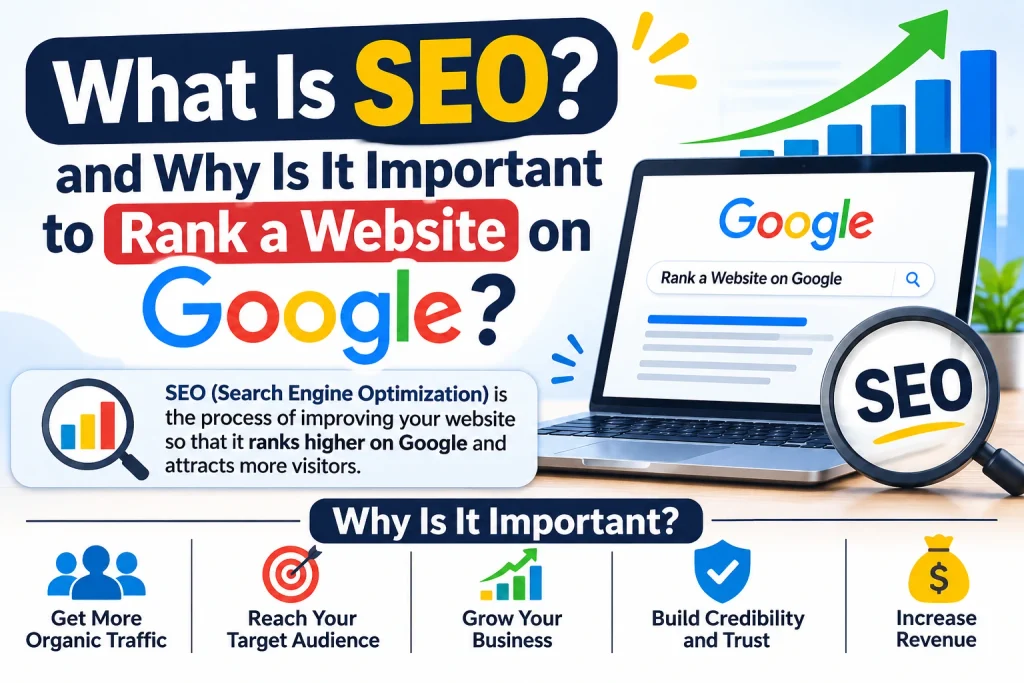
1. What Is SEO and Why Is It Important to Rank a Website on Google?
SEO stands for Search Engine Optimization. It is the process of improving your website so that search engines can understand its content and show it to relevant users.
SEO is important because it helps your website receive organic traffic without paying for every visitor. When you optimize your website correctly, search engines can better understand your pages and determine whether they are useful for a particular search.
There are three main types of SEO:
On-Page SEO: It includes optimizing website content, headings, keywords, images, meta titles, and descriptions.
Off-Page SEO: It focuses on activities outside your website, such as building quality backlinks and increasing your website’s authority.
Technical SEO: It improves your website’s technical performance, including loading speed, mobile-friendliness, indexing, and website structure.
All three types play an important role when you want to rank a website on Google and improve your online presence.
2. Do Proper Keyword Research
Keyword research is one of the first steps in any successful SEO strategy. Keywords are the words or phrases that people type into search engines when looking for information.
For example, if you have a digital marketing website, your target keywords might include:
- What is digital marketing?
- SEO tips for beginners
- How to improve website traffic
- Best digital marketing strategies
- How to rank a website on Google
Before writing any blog post, identify the keywords your target audience is searching for.
You can use different keyword research tools, such as:
- Google Keyword Planner
- Google Trends
- Ubersuggest
- Ahrefs
- SEMrush
Try to target relevant keywords with good search potential and competition that is suitable for your website.
Pro Tip: Focus on long-tail keywords because they are more specific and can help you reach users with a clear search intention.
3. Create High-Quality and Helpful Content
Content is one of the most important parts of SEO. Google aims to provide users with helpful, reliable, and relevant information.
Your content should answer the questions that visitors are searching for. Avoid copying content from other websites because original and useful information provides more value to readers.
Follow these tips when creating SEO-friendly content:
- Write original and informative articles.
- Use your focus keyword naturally.
- Add relevant headings and subheadings.
- Keep paragraphs short and easy to understand.
- Include examples wherever necessary.
- Answer common questions related to your topic.
- Update old content when information changes.
For example, if your blog topic is SEO for beginners, explain each SEO technique step by step instead of simply repeating keywords.
Publishing helpful content consistently can improve your chances to rank a website on Google over time.
4. Optimize Your Website with On-Page SEO
On-page SEO means optimizing individual website pages to make them more understandable for search engines and visitors.
Here are some important on-page SEO techniques:
A. SEO Title
Your SEO title tells search engines and users what your page is about. Create a unique and attractive title that includes your main keyword naturally.
Example: Rank a Website on Google – Complete Beginner’s Guide.
B. Meta Description
A meta description is a short summary of your webpage that may appear in search results.
Write a clear description that explains what readers will learn from your content.
C. URL Structure
Keep your website URLs short, simple, and relevant.
Example:
yourwebsite.com/rank-website-on-google
D. Heading Tags
Use proper heading tags to organize your content.
- H1: Main blog title.
- H2: Main sections.
- H3: Subsections.
E. Image Optimization
Use relevant images in your blog posts. Compress images to reduce file size and add descriptive alt text to help search engines understand them.
These techniques make your content easier to read and help improve your website’s SEO performance.
5. Improve Website Loading Speed
Website speed is an important part of user experience. Visitors may leave your website if pages take too long to load.
A slow website can negatively affect user satisfaction and make it difficult to compete in search results.
Here are some ways to improve website speed:
- Compress large images.
- Use a lightweight WordPress theme.
- Remove unnecessary plugins.
- Enable browser caching.
- Use quality web hosting.
- Reduce unnecessary scripts.
- Consider using a Content Delivery Network (CDN).
You can check your website performance using Google PageSpeed Insights.
A fast and responsive website provides a better experience for visitors and supports your overall SEO strategy.
6. Make Your Website Mobile-Friendly
Today, many people use smartphones to browse websites and search for information.
Therefore, your website should work properly on mobile devices, tablets, and desktop computers.
A mobile-friendly website should have:
- Responsive website design.
- Readable text size.
- Easy navigation.
- Properly sized images.
- Mobile-friendly buttons.
- Fast loading pages.
Google primarily uses the mobile version of a website for indexing and ranking. This makes mobile optimization an essential part of your SEO strategy.
If your website is built using WordPress, choose a responsive theme and test your website on different screen sizes.
7. Build Quality Backlinks
Backlinks are links from other websites that point to your website. They can help search engines discover your content and understand your website’s reputation.
However, not all backlinks are valuable. Links from relevant and trustworthy websites are generally more useful than links from low-quality or unrelated websites.
Here are some ways to build quality backlinks:
- Write guest posts for relevant websites.
- Publish original research and useful guides.
- Create shareable infographics.
- Connect with bloggers in your industry.
- Promote your content on social media.
- Build relationships with other website owners.
Avoid buying spammy backlinks or using link-building techniques that violate Google’s spam policies.
Quality should always be more important than quantity.
8. Use Internal Linking
Internal linking means connecting one page of your website to another page on the same website.
For example, if you have written an article about SEO keywords, you can link it to another article about keyword research.
Internal links help visitors discover more content and allow search engines to understand the relationship between different pages.
Follow these internal linking tips:
- Link to relevant articles.
- Use descriptive anchor text.
- Avoid adding unnecessary links.
- Connect related blog posts.
- Make important pages easy to find.
A proper internal linking structure can improve website navigation and help search engines discover your content.
9. Submit Your Website to Google Search Console
Google Search Console is a free tool that helps website owners monitor their website’s performance in Google Search.
It provides useful information about search traffic, indexing issues, website pages, and search queries.
You can use Google Search Console to:
- Submit your XML sitemap.
- Check whether your pages are indexed.
- Monitor website clicks and impressions.
- Find indexing errors.
- Identify search queries.
- Request indexing for updated pages.
After publishing a new blog post, you can use the URL Inspection tool to check its indexing status.
Google Search Console is an essential tool for anyone learning how to rank a website on Google because it helps you understand how your website performs in search results.
10. Track Your SEO Performance Regularly
SEO is not a one-time activity. You need to monitor your website regularly and make improvements based on performance.
Use tools such as Google Analytics 4 and Google Search Console to understand how visitors interact with your website.
Important SEO metrics include:
- Organic website traffic.
- Search impressions.
- Click-through rate (CTR).
- Average search position.
- Engaged sessions.
- Indexed pages.
- Conversions and leads.
Check your results regularly to identify which pages are performing well and which pages need improvement.
Remember that SEO takes time. New websites may need several months to build visibility and authority. There is no guaranteed method to achieve the first position on Google.
Conclusion
Learning SEO is an important step for anyone who wants to grow a website to rank a website on google or online business. By following the right strategies, you can improve your website’s visibility, attract organic traffic, and reach your target audience.
To rank a website on Google, focus on keyword research, helpful content, on-page SEO, website speed, mobile optimization, backlinks, and regular performance tracking.
Start with small improvements and continue optimizing your website. Remember that successful SEO requires patience, consistency, and quality. Keep learning, publish valuable content, and follow Google’s SEO guidelines to build a strong online presence.
Frequently Asked Questions (FAQs) to Rank a Website on Google
1. How can I rank a website on Google for free?
You can improve your website’s rankings for free by using keyword research, publishing helpful content, optimizing your pages, building quality backlinks, and using Google Search Console.
2. How long does it take to rank a website on Google?
SEO results depend on competition, website authority, content quality, and optimization. It can take several weeks or months to see meaningful improvements. There is no fixed timeline.
3. Is SEO important for a new website?
Yes, SEO is important for new websites because it helps search engines discover, understand, and index your content. Starting SEO early can support long-term organic growth.
4. Which tools are best for SEO beginners?
Some useful SEO tools for beginners include Google Search Console, Google Analytics 4, Google Keyword Planner, Google Trends, and Google PageSpeed Insights.
5. Can I do SEO on a WordPress website?
Yes, WordPress supports SEO optimization. You can improve your website using SEO plugins such as Yoast SEO and Rank Math, along with proper content and technical optimization.
6. What is the most important factor in SEO?
There is no single factor that guarantees high rankings. Helpful content, relevance, technical accessibility, page experience, and website reputation all contribute to SEO performance.
7. Can I rank my website without backlinks?
Yes, a website can rank for some keywords without backlinks, especially when competition is low. However, quality backlinks can help improve your website’s authority and visibility.